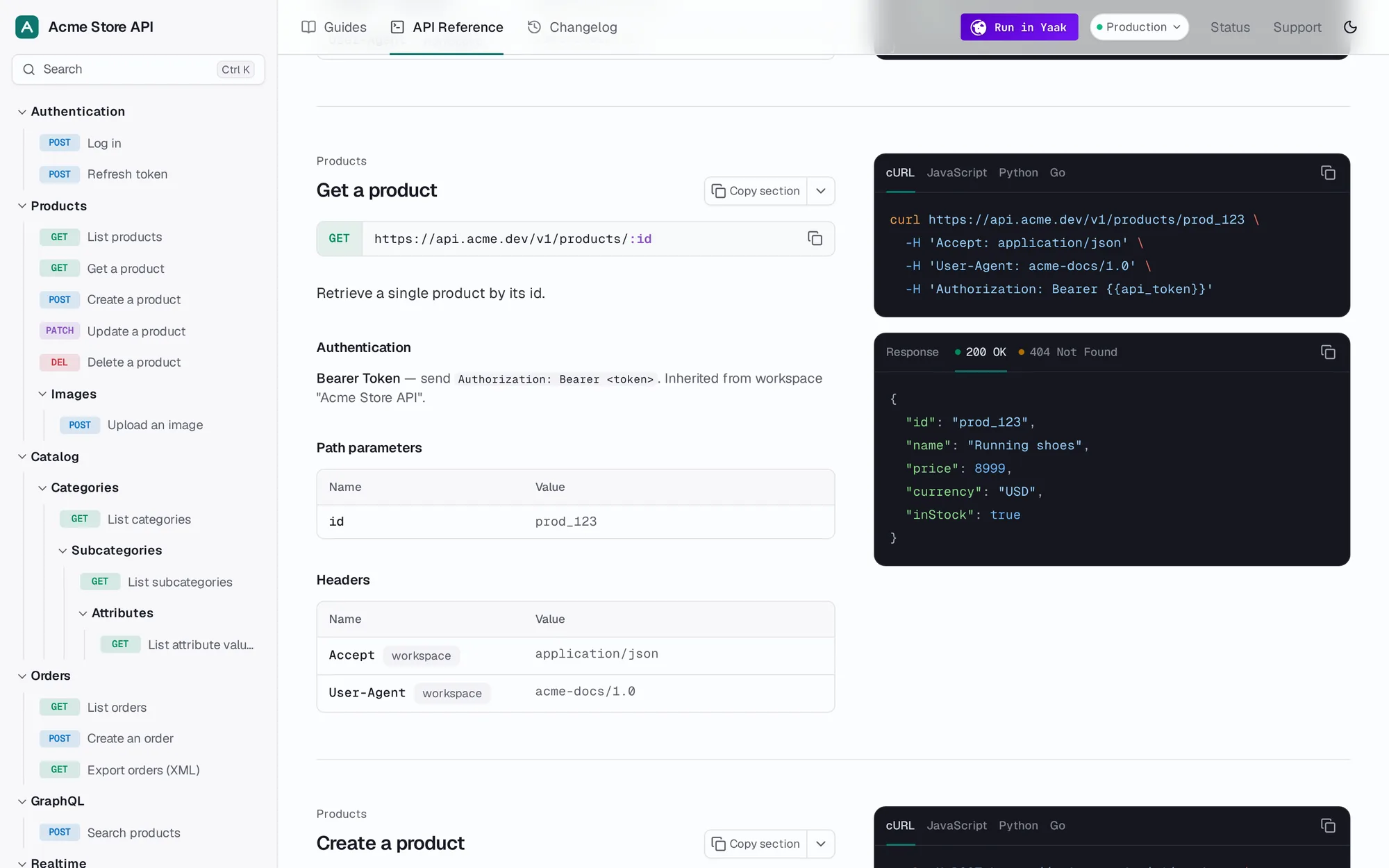
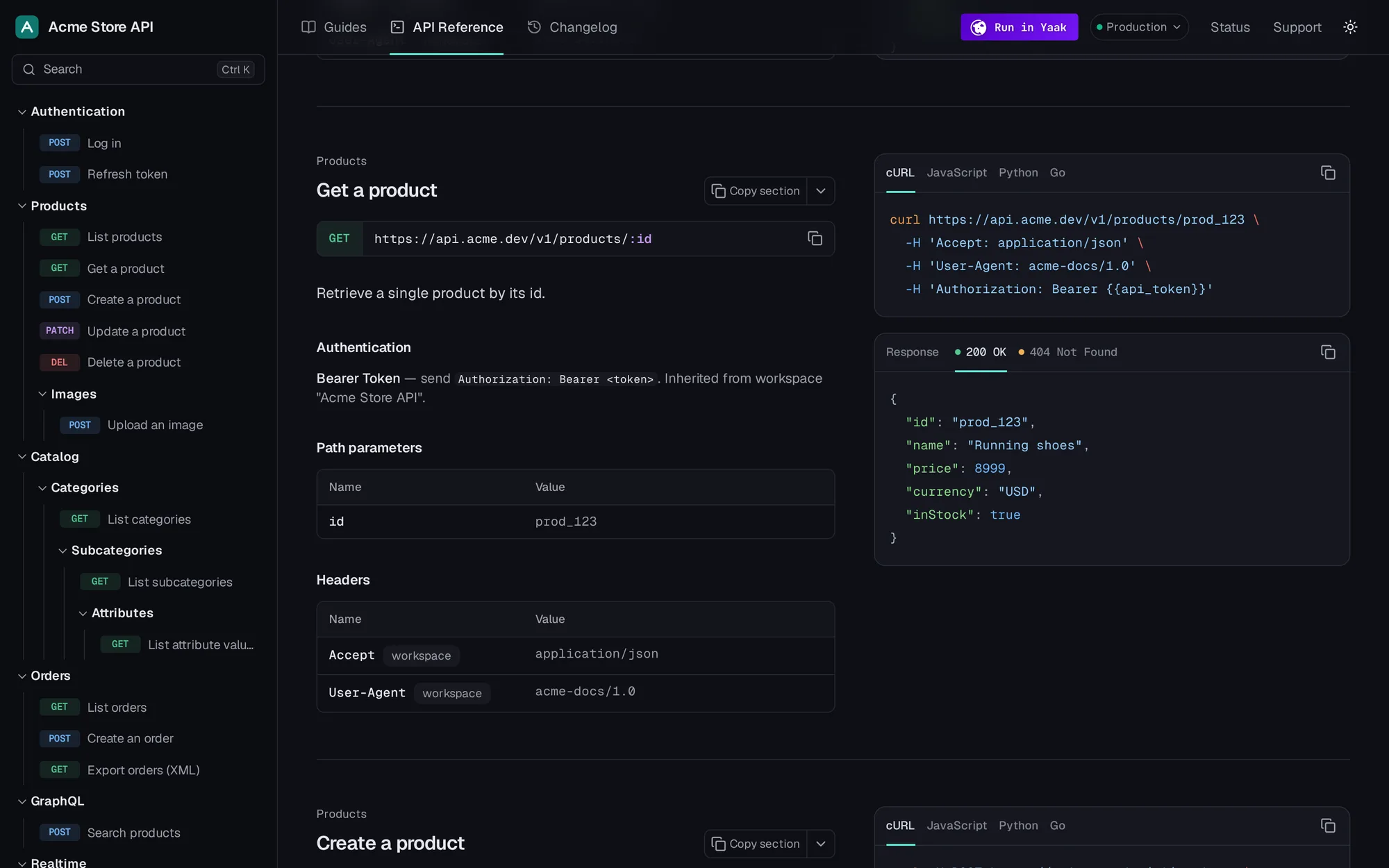
yaakdoc turns the requests, folders and environments you already have in Yaak into a fast, static documentation site that people and AI agents both love to read.
Build from inside Yaak, from the command line, or serve the docs from the app you already have.
Install
In Yaak, open Settings › Plugins and install @yaakdoc/yaakdoc.
Configure
Choose "Build docs with yaakdoc..." in the workspace menu and fill in the form.
Build
Pick a folder. The site is built inside Yaak, with no Node.js needed.
Use Yaak to document your API, then use yaakdoc to share it with your users.
Readers pick between your environments, then the page updates the base URL, variables, and examples instantly.
Every request gets ready-to-run examples, and the language a reader picks sticks across the page.
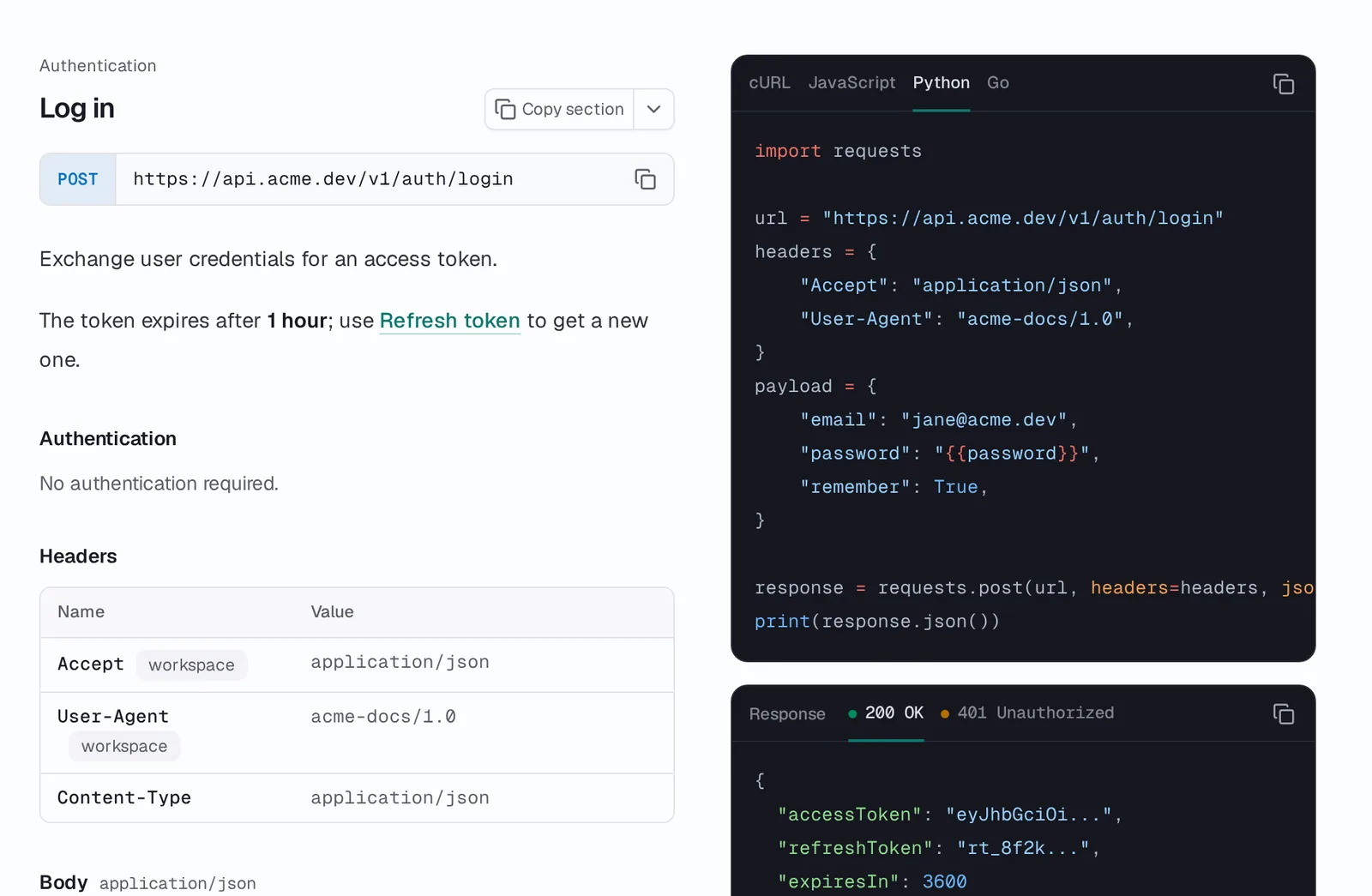
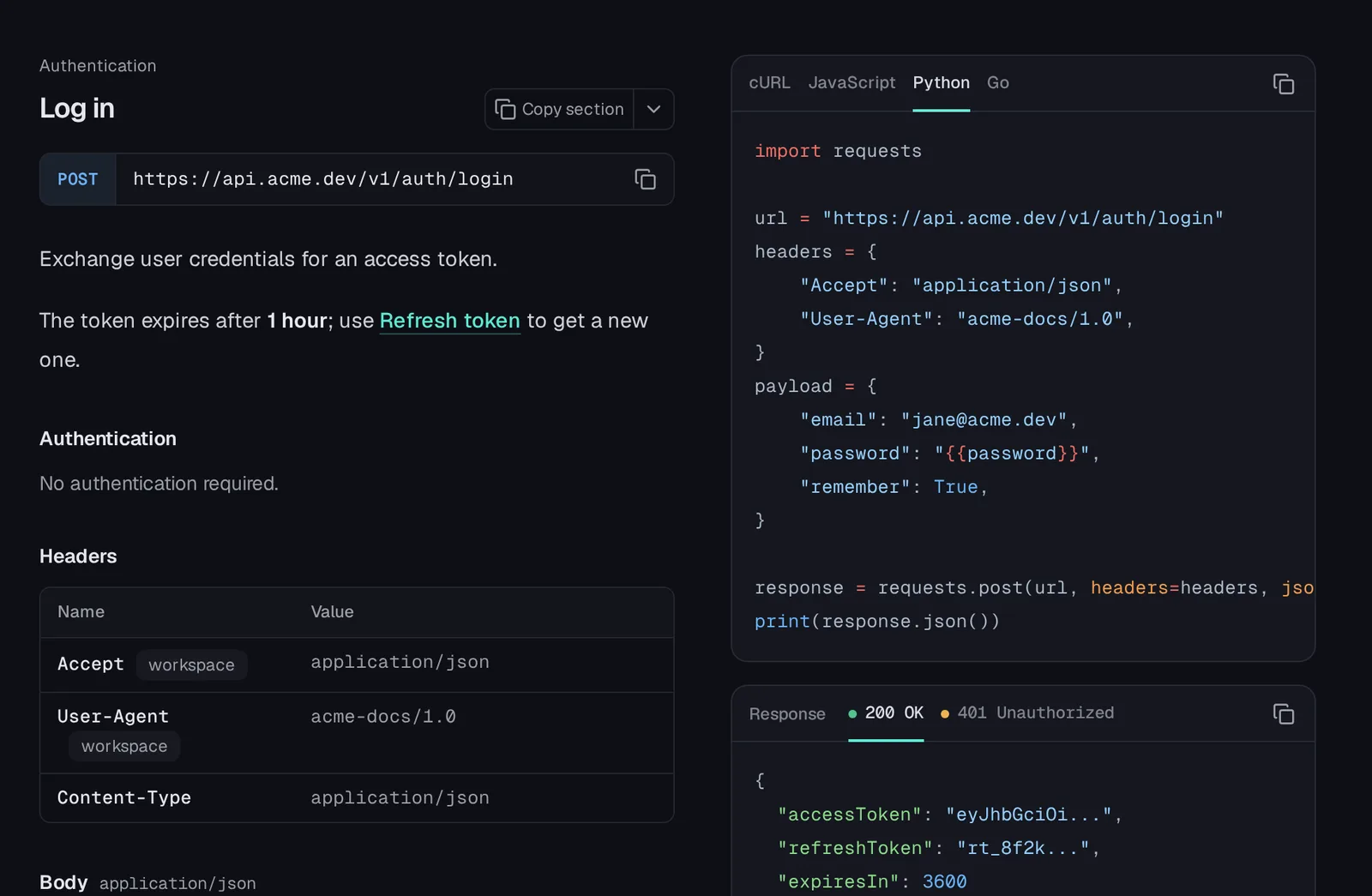
Your docs are as easy for an AI assistant to read as they are for humans.
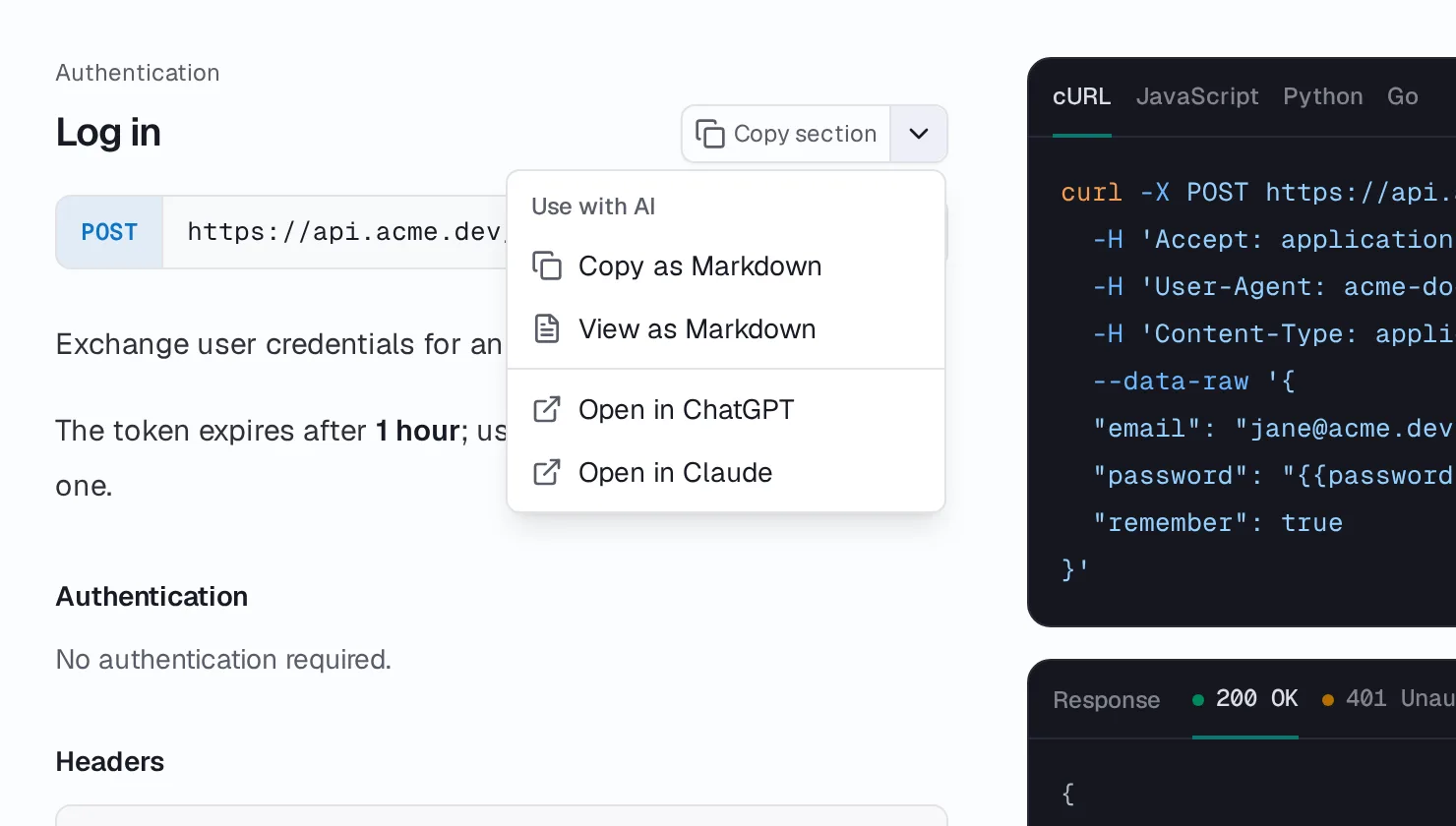
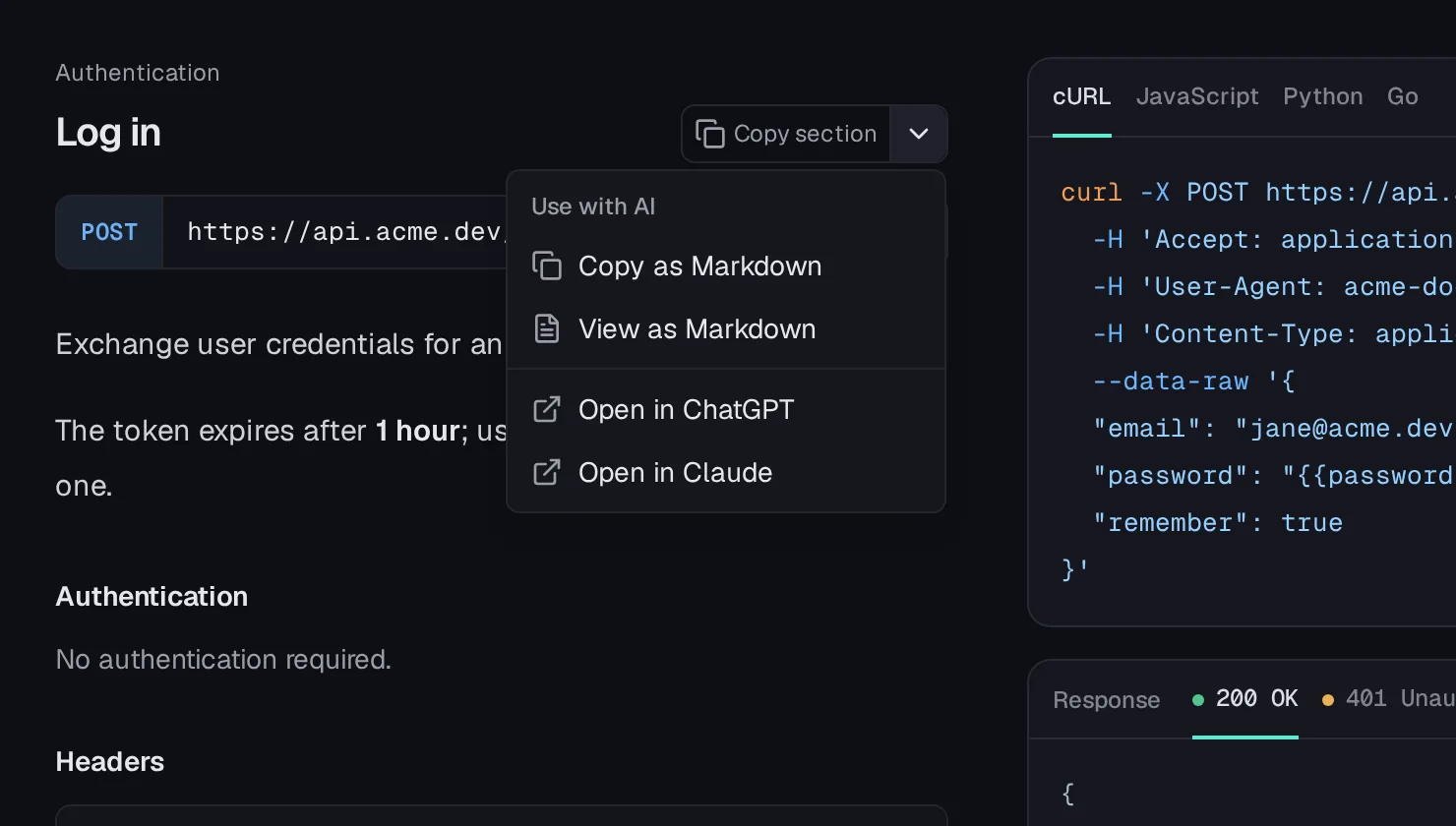
Press Cmd+K and find any page, folder or endpoint. No search service is necessary - the search index is statically generated!
Don't limit yourself to API docs. Write a quickstart, guides or a changelog in Markdown, and arrange them with the API reference in tabs and groups.
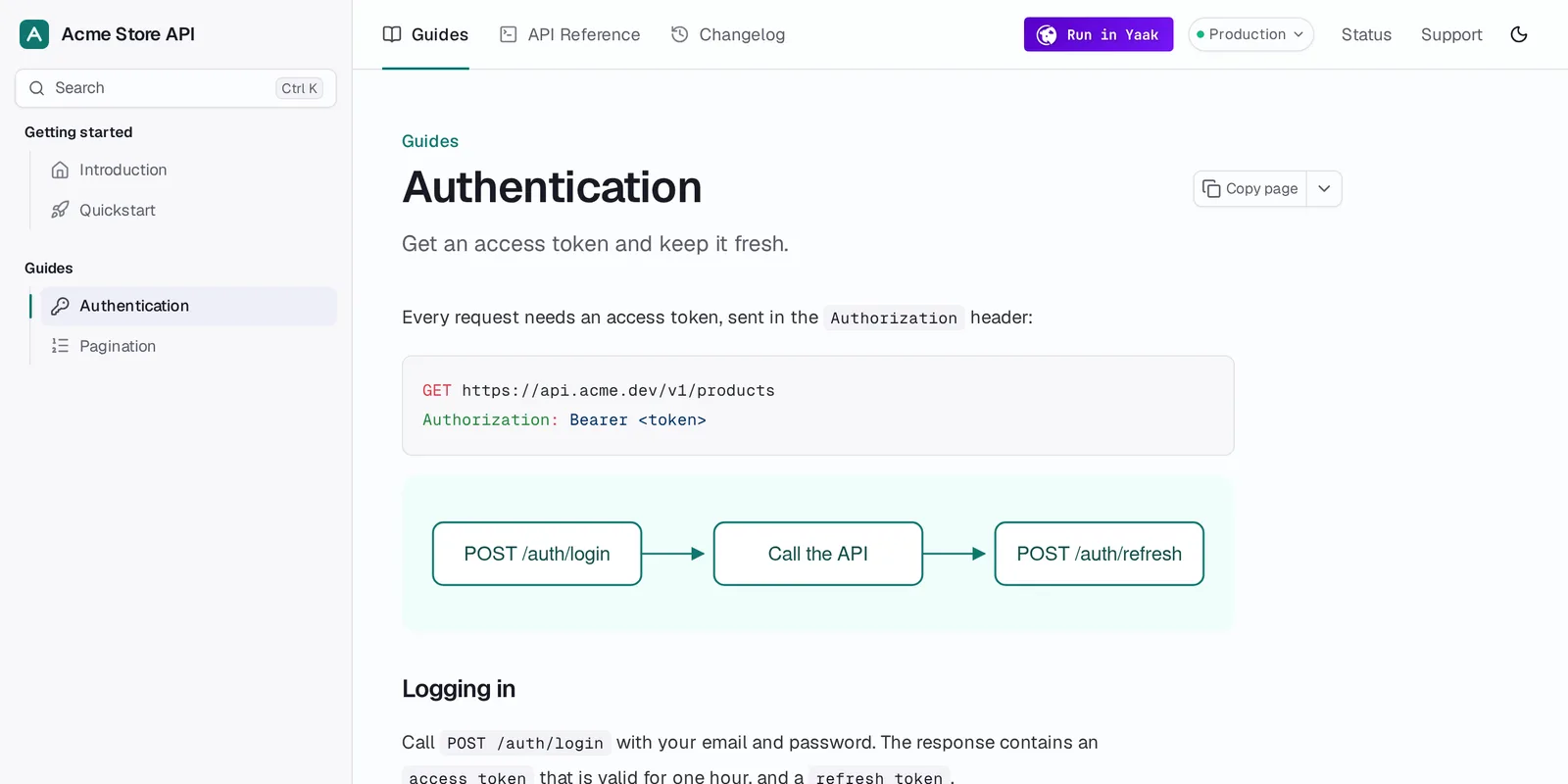
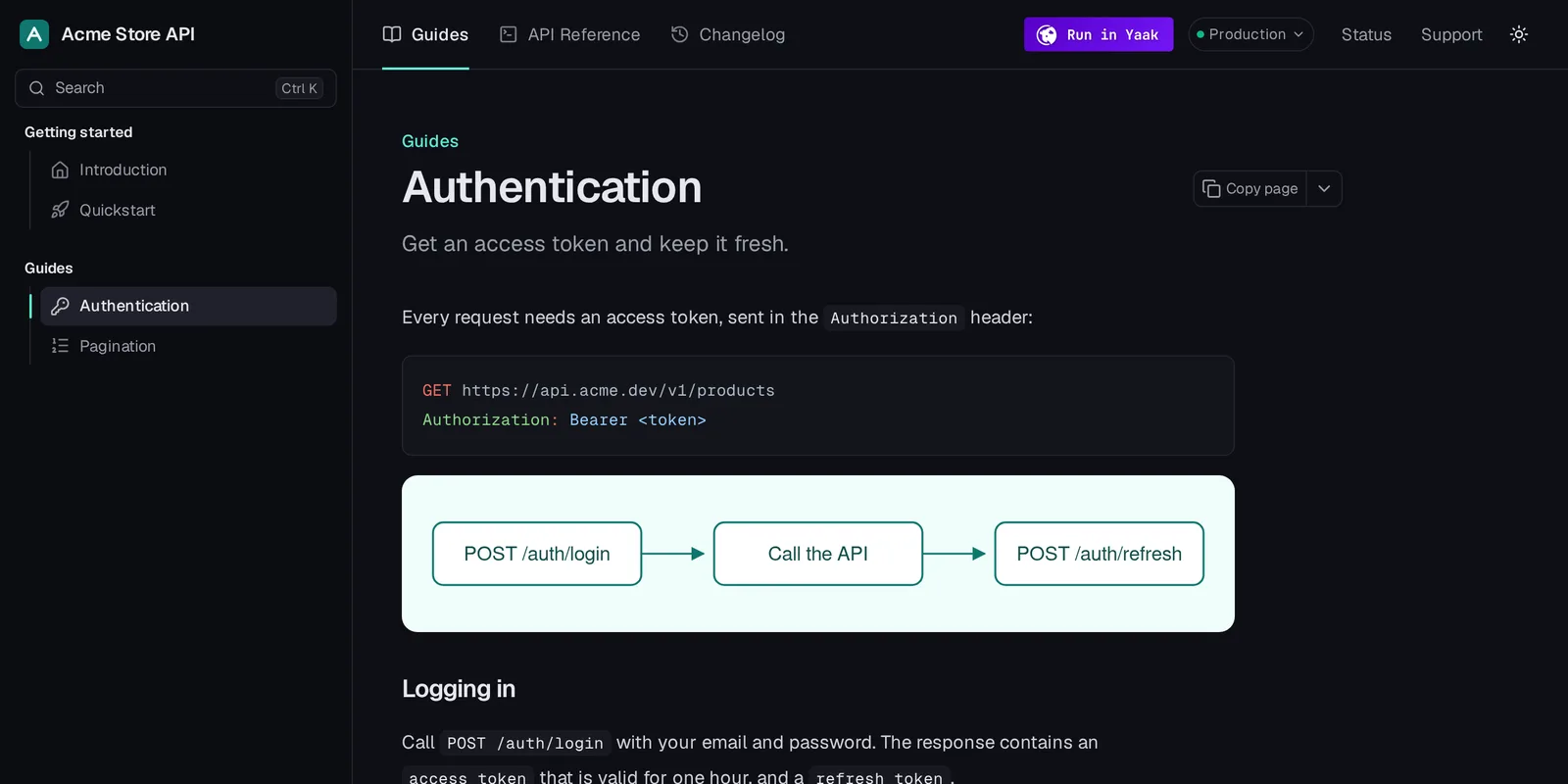
Point yaakdoc at your Yaak export, add a few lines of config if you like, and get HTML for people and Markdown for machines.
Your workspace yaak.json, exported from Yaak or by the plugin
{
  "$schema": "./node_modules/yaakdoc/config.schema.json",
  "pagesDir": "./docs",
  "environments": "public",
  "branding": {
    "title": "Acme Store API",
    "url": "https://docs.acme.dev",
    "colors": {
      "primary": "#0f766e"
    }
  },
  "runInYaak": true
}Your site HTML pages, a search index, a sitemap, and for LLMs:
# Acme Store API

> Manage products, orders and customers of an Acme storefront.

## Guides › Getting started

- [Introduction](https://docs.acme.dev/index.md): Everything you need to build on the Acme Store API.
- [Quickstart](https://docs.acme.dev/quickstart.md): Make your first request in under a minute.

## Products

- [List products](https://docs.acme.dev/reference/products/list-products.md)
- [Get a product](https://docs.acme.dev/reference/products/get-a-product.md): Retrieve a single product by its id.Start with Kiseki, our default theme, then customize it with config or eject it and make your own, fully custom theme.
A theme is a manifest plus React components. Unstyled building blocks, data hooks and an override system do the heavy lifting, and islands keep pages light. Publish it as yaakdoc-theme-* and anyone can use it by name.

Free and open source under the MIT license. Bring a Yaak export and try it now.
npx yaakdocRead the quickstart