KisekiOfficialDefaultv0.6.0 · by József Sallai @jozsefsallai1.4K/monthThe default theme. Tailwind CSS v4 and shadcn/ui, light and dark mode, a sticky code panel, search and tabs.DocsDemonpmSourceInstallInstall Kiseki@yaakdoc/theme-kisekiKiseki comes with yaakdoc and is the default theme, so there's nothing to install.1Select it (optional)Set theme in your config:yaakdoc.config.jsonCopy Text{ "theme": "kiseki" }
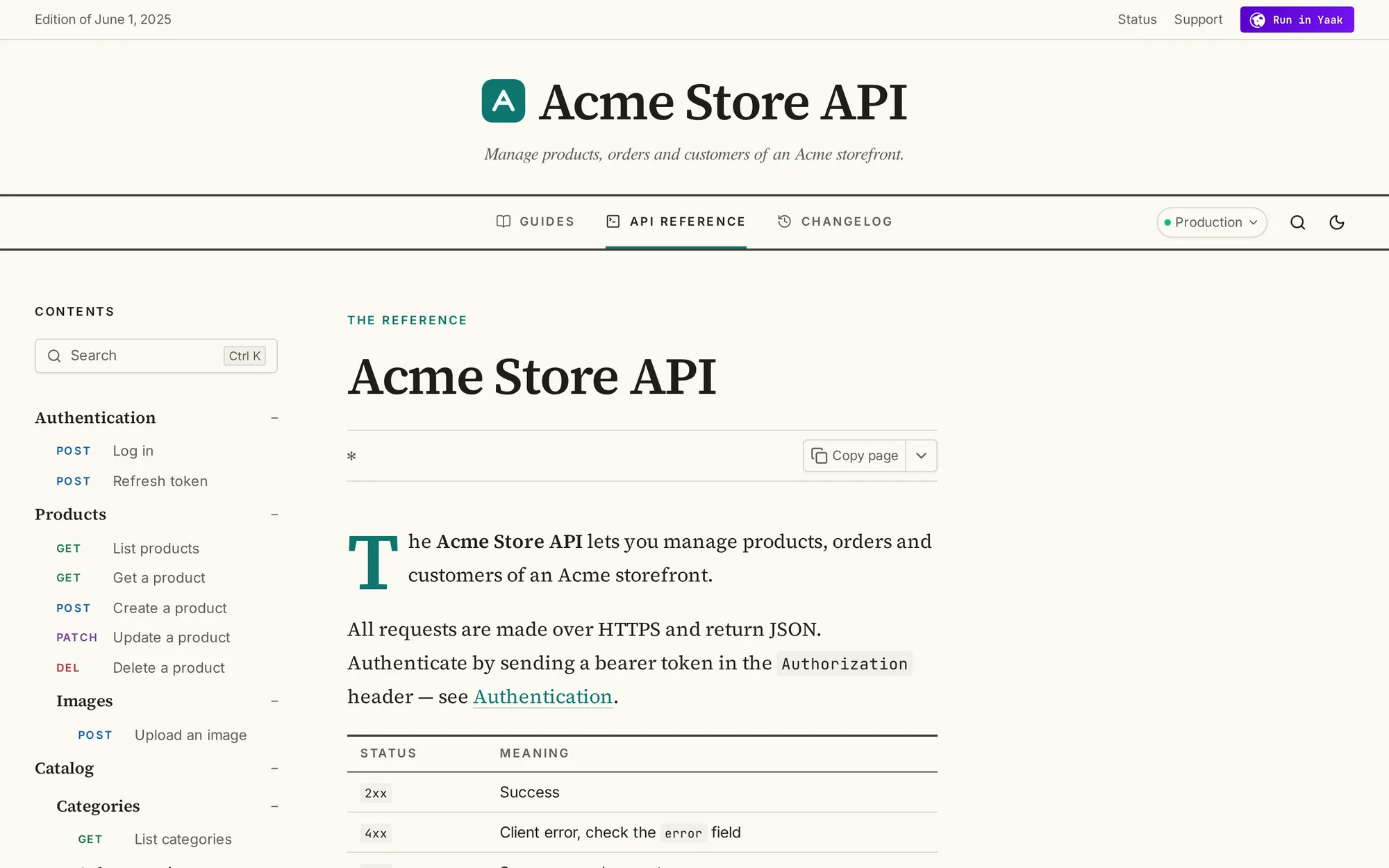
EditorialOfficialv0.1.0 · by József Sallai @jozsefsallai339/monthDocs that read like a magazine: serif type, a masthead, a comfortable reading column, numbered figures and side notes for parameters.DemonpmSourceInstallInstall Editorial@yaakdoc/theme-editorial1Install the packageIn the folder with your yaakdoc config:npmpnpmyarnbunCopy Textnpm i -D @yaakdoc/theme-editorial2Use the themeSet theme in your config:yaakdoc.config.jsonCopy Text{ "theme": "editorial" }Or try it without changing your config:Copy Textnpx yaakdoc --theme editorialBuilding from Yaak? The Yaak plugin installs themes from npm for you, so you only need step 2.
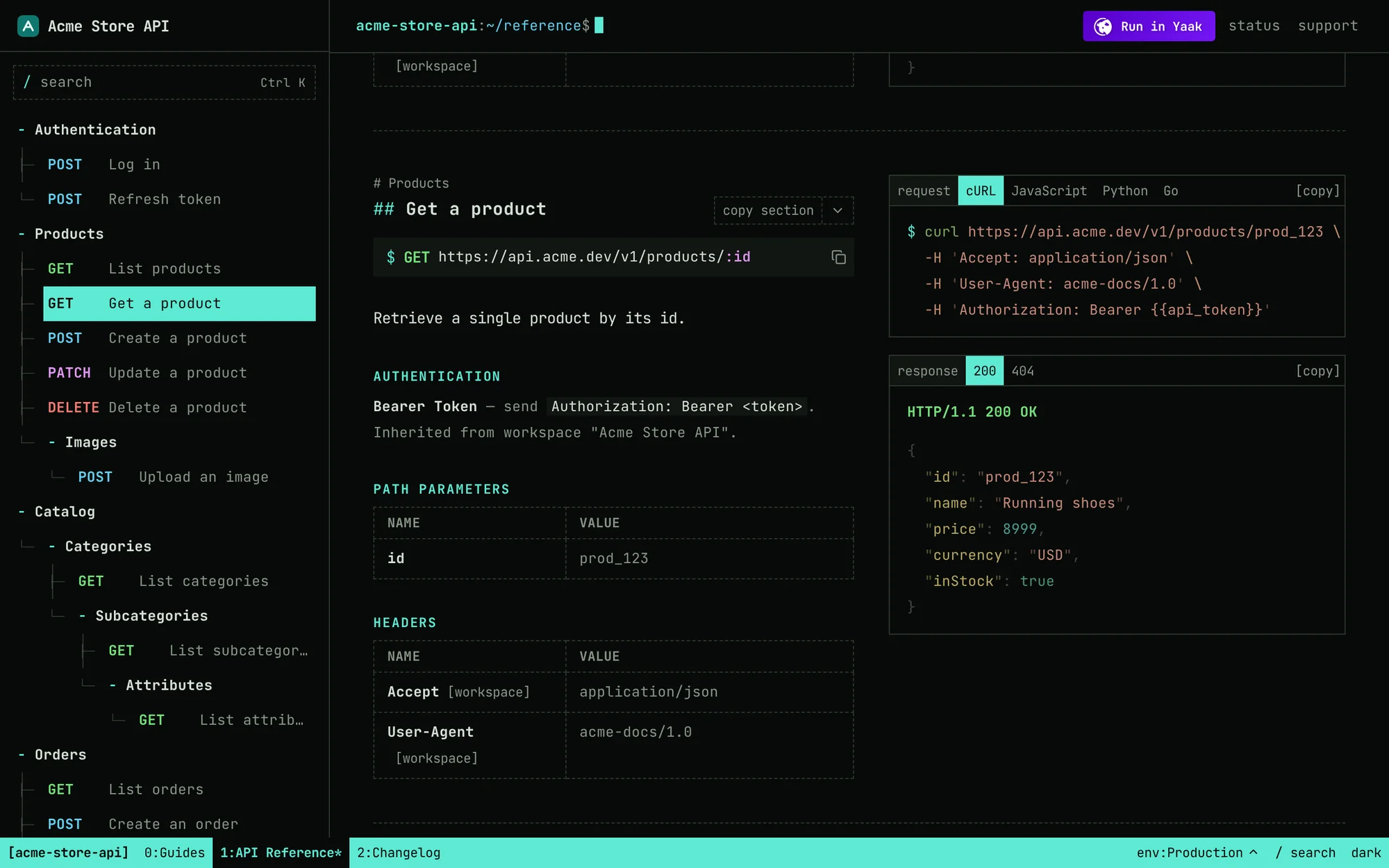
TerminalOfficialv0.1.0 · by József Sallai @jozsefsallai337/monthMonospace docs for CLI-first APIs: a shell prompt, a file-tree sidebar, tmux-style panes and keyboard navigation.DemonpmSourceInstallInstall Terminal@yaakdoc/theme-terminal1Install the packageIn the folder with your yaakdoc config:npmpnpmyarnbunCopy Textnpm i -D @yaakdoc/theme-terminal2Use the themeSet theme in your config:yaakdoc.config.jsonCopy Text{ "theme": "terminal" }Or try it without changing your config:Copy Textnpx yaakdoc --theme terminalBuilding from Yaak? The Yaak plugin installs themes from npm for you, so you only need step 2.
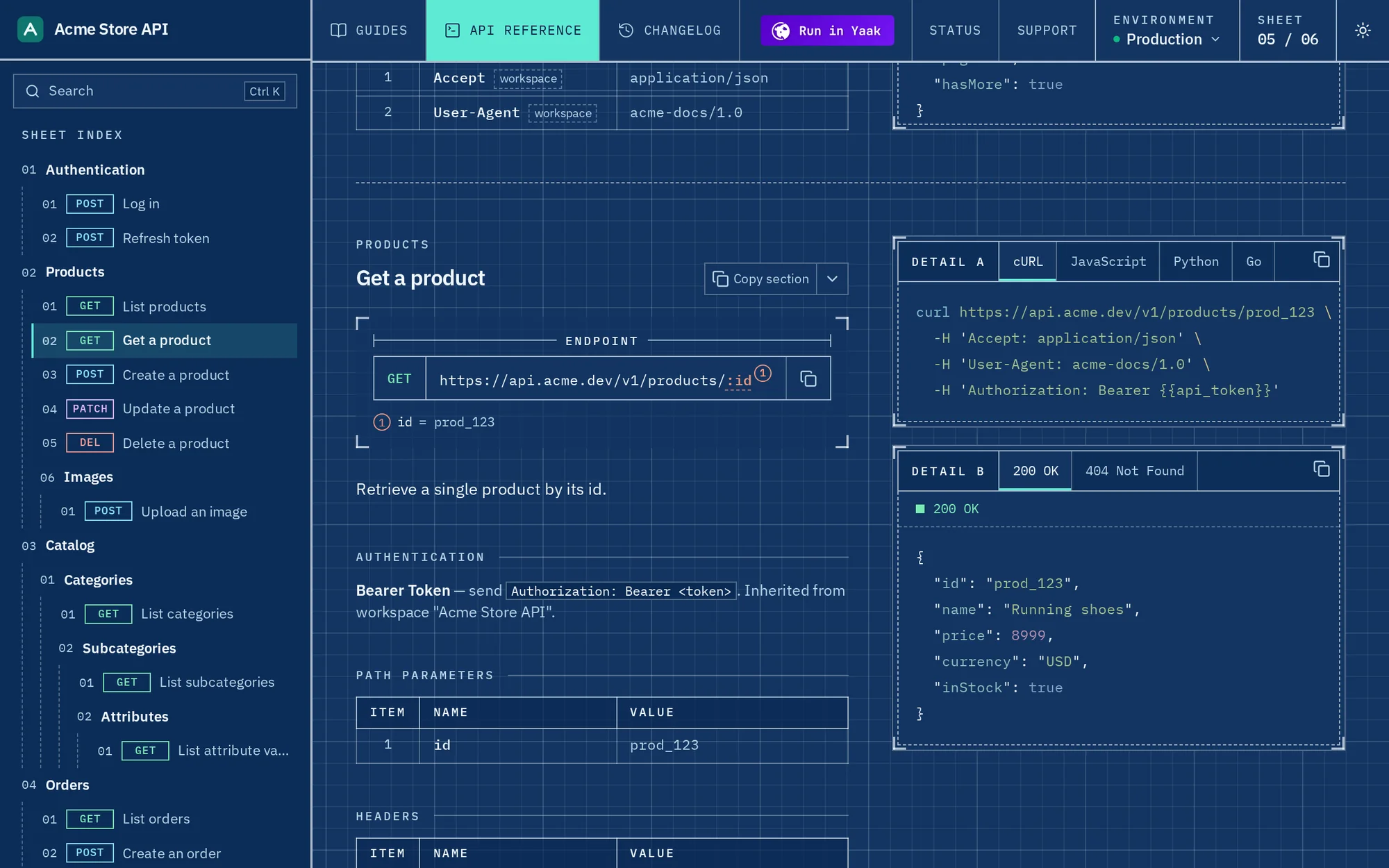
BlueprintOfficialv0.1.0 · by József Sallai @jozsefsallai325/monthAPI docs as technical drawings: a title block, a sheet index, numbered parts lists and requests drawn as schematics on a grid.DemonpmSourceInstallInstall Blueprint@yaakdoc/theme-blueprint1Install the packageIn the folder with your yaakdoc config:npmpnpmyarnbunCopy Textnpm i -D @yaakdoc/theme-blueprint2Use the themeSet theme in your config:yaakdoc.config.jsonCopy Text{ "theme": "blueprint" }Or try it without changing your config:Copy Textnpx yaakdoc --theme blueprintBuilding from Yaak? The Yaak plugin installs themes from npm for you, so you only need step 2.
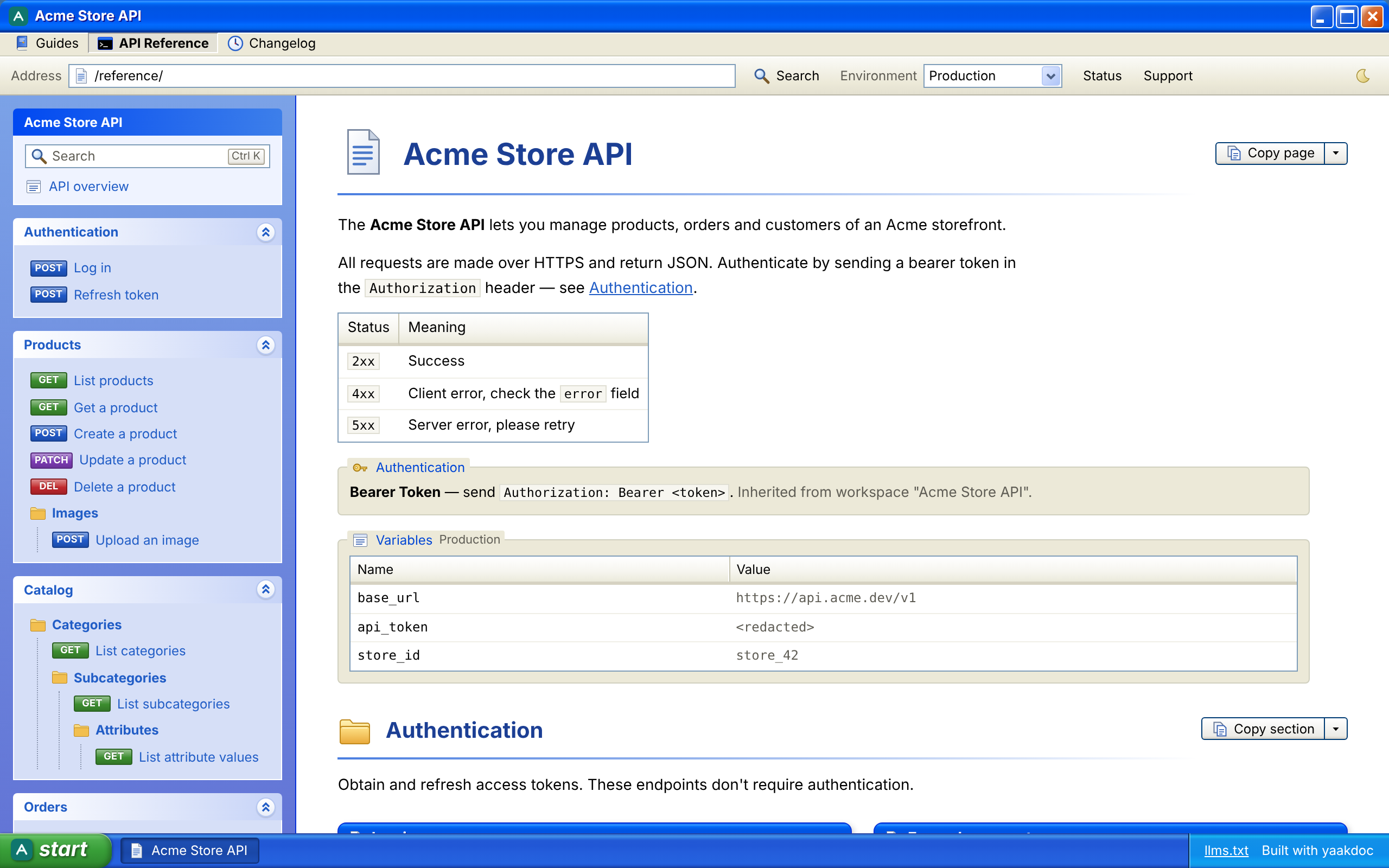
Windows XPv0.3.0 · by József Sallai @jozsefsallai503/monthInspired by the Windows XP Luna visual style: Blue, Olive Green and Silver schemes, Royale Noir in dark mode, a task pane, tabs and search.DemonpmSourceInstallInstall Windows XPyaakdoc-theme-winxp1Install the packageIn the folder with your yaakdoc config:npmpnpmyarnbunCopy Textnpm i -D yaakdoc-theme-winxp2Use the themeSet theme in your config:yaakdoc.config.jsonCopy Text{ "theme": "winxp" }Or try it without changing your config:Copy Textnpx yaakdoc --theme winxpBuilding from Yaak? The Yaak plugin installs themes from npm for you, so you only need step 2.